
VS Code Example
Build the VS Code Sandbox Image
The Dockerfile in this directory builds a sandbox image with code-server pre-installed:
shell
cd examples/vscode
docker build -t opensandbox/vscode:latest .
This image includes:
- code-server (VS Code Web) pre-installed
- Non-root user (vscode) for security
- Workspace directory at
/workspace
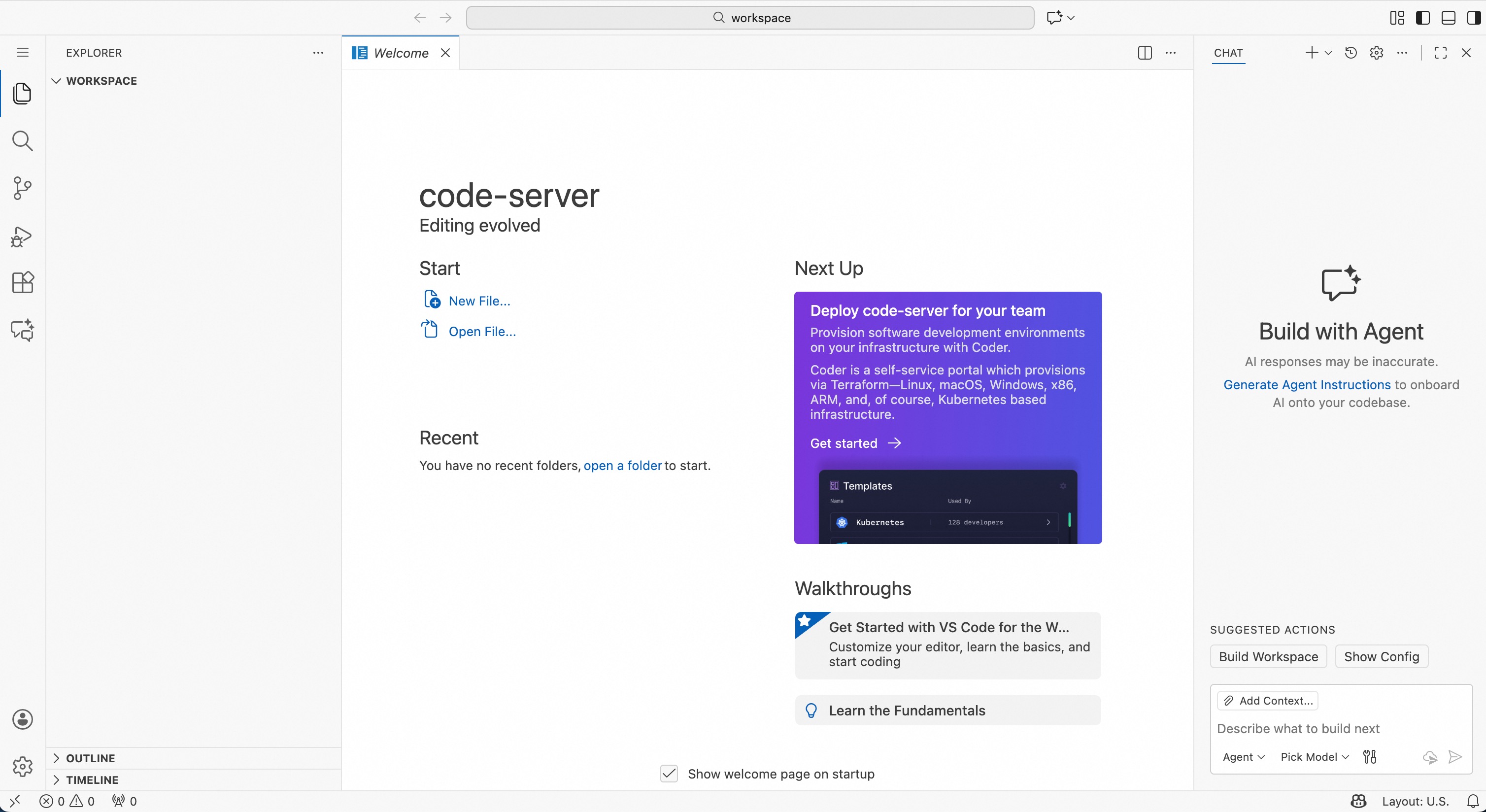
Launch code-server (VS Code Web) in OpenSandbox to provide browser access.
Start OpenSandbox server [local]
Pre-pull the VS Code image:
shell
docker pull sandbox-registry.cn-zhangjiakou.cr.aliyuncs.com/opensandbox/vscode:latestStart the local OpenSandbox server:
shell
uv pip install opensandbox-server
opensandbox-server init-config ~/.sandbox.toml --example docker
opensandbox-server
Create and Access the VS Code Sandbox
shell
# Install OpenSandbox package
uv pip install opensandbox

uv run python examples/vscode/main.py
The script starts code-server (with authentication disabled), binds it to the specified port and outputs the accessible address. Uses the prebuilt VS Code image by default.

References
此页内容来自仓库源文件:
examples/vscode/README.md