
Desktop(VNC) Example
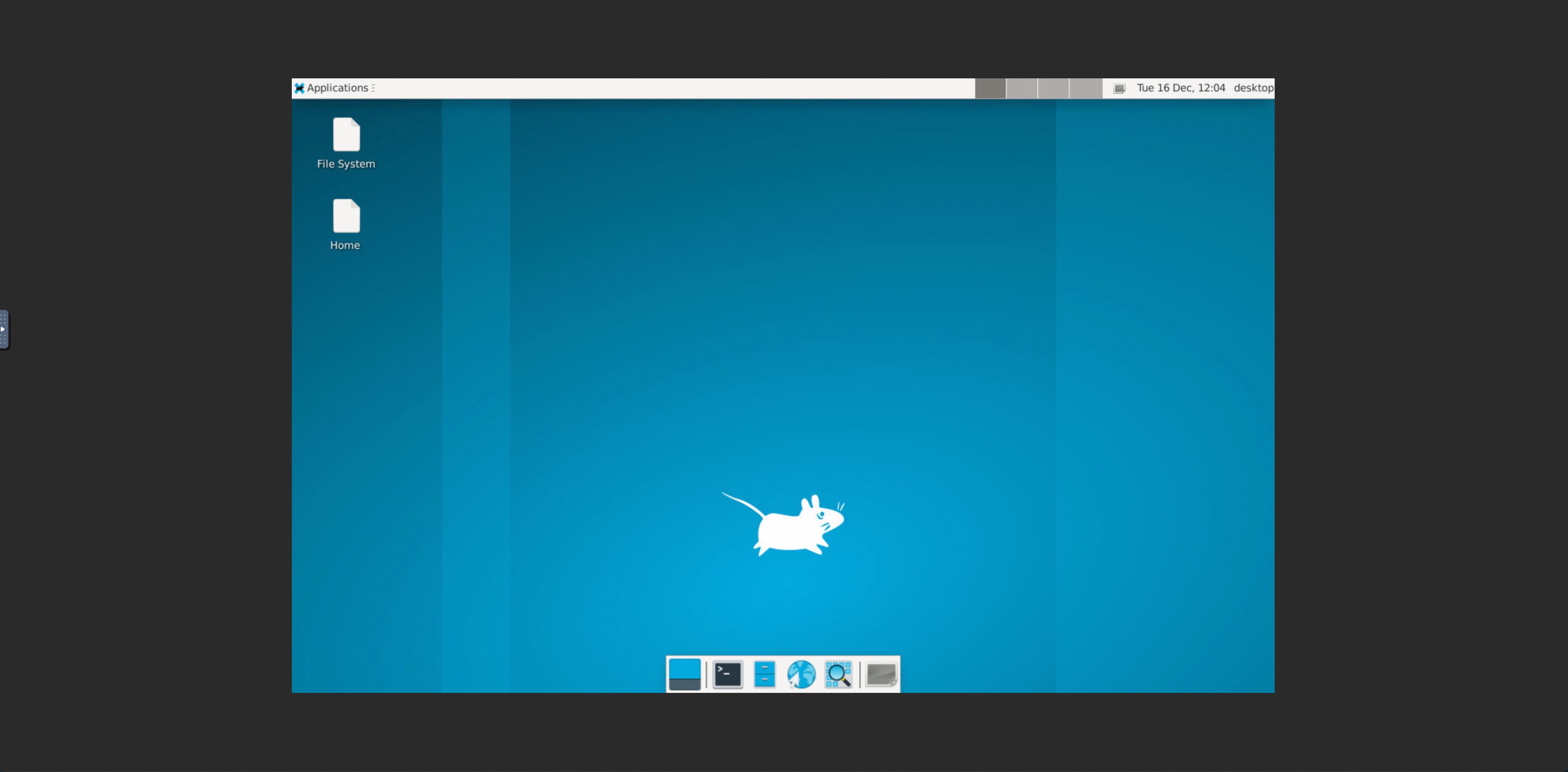
Launch Xvfb + x11vnc + fluxbox in OpenSandbox to provide a VNC-accessible desktop environment.
Build the Desktop Sandbox Image
The Dockerfile in this directory builds a sandbox image with desktop and VNC components pre-installed:
shell
cd examples/desktop
docker build -t opensandbox/desktop:latest .
This image includes:
- Xvfb (virtual framebuffer X server)
- x11vnc (VNC server)
- XFCE desktop (panel, file manager, terminal)
- Non-root user (desktop) for security
Start OpenSandbox server [local]
Pre-pull the desktop image:
shell
docker pull opensandbox/desktop:latestStart the local OpenSandbox server:
shell
uv pip install opensandbox-server
opensandbox-server init-config ~/.sandbox.toml --example docker
opensandbox-server
Create and Access the Desktop Sandbox
shell
# Install OpenSandbox package
uv pip install opensandbox

uv run python examples/desktop/main.py
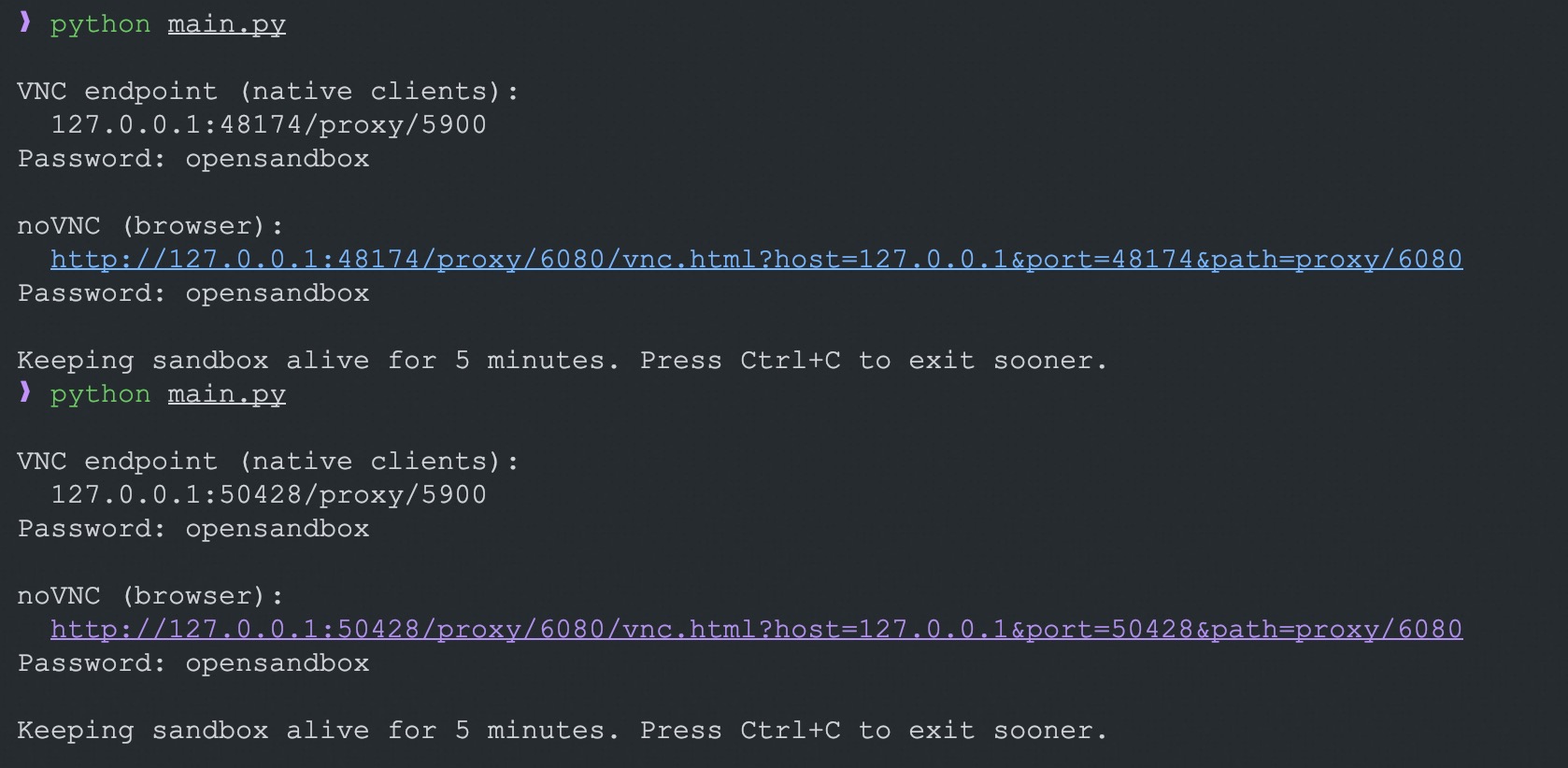
The script starts the desktop stack (Xvfb + XFCE + x11vnc) and also launches noVNC/websockify. It prints:
- VNC endpoint (
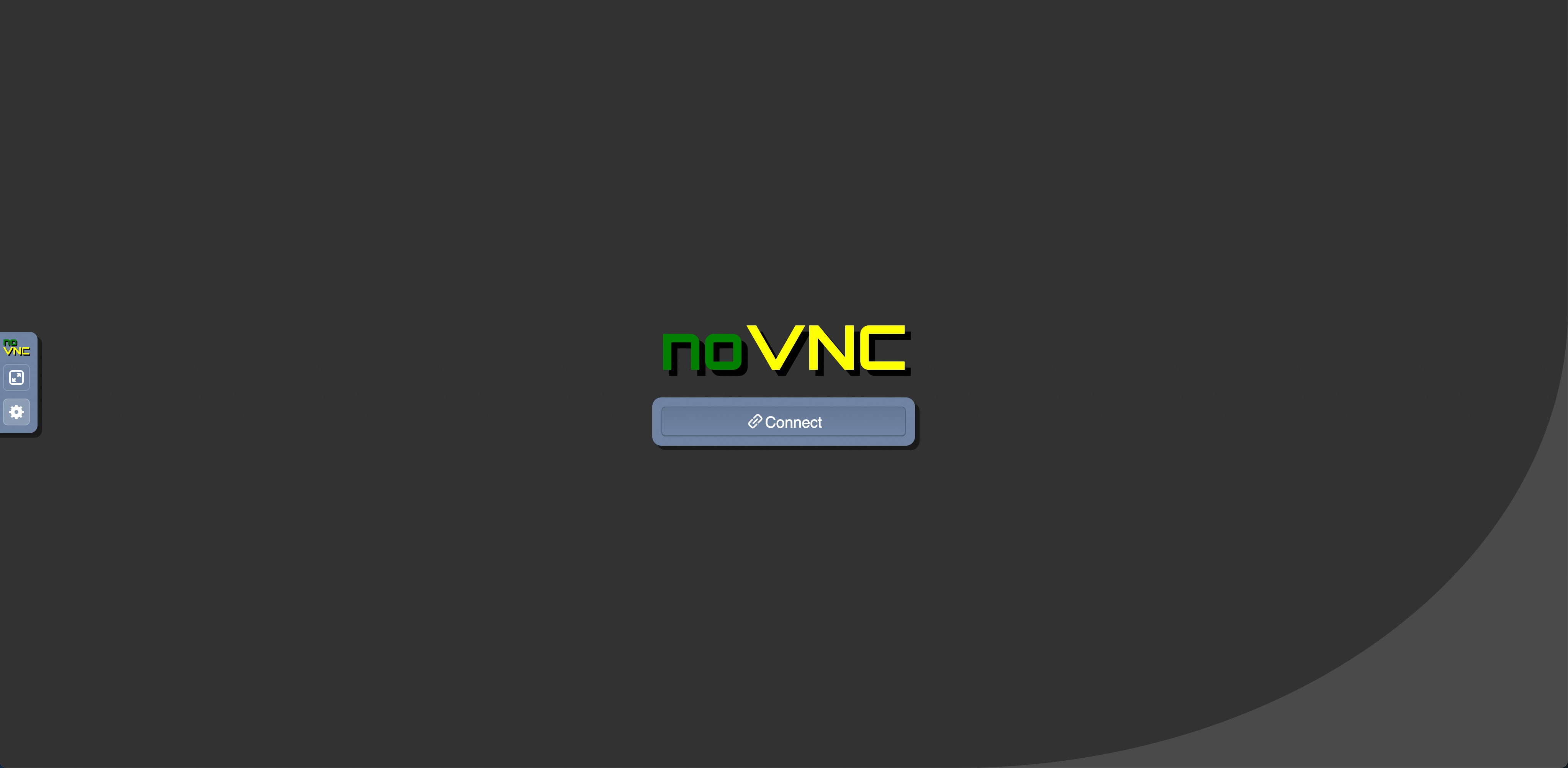
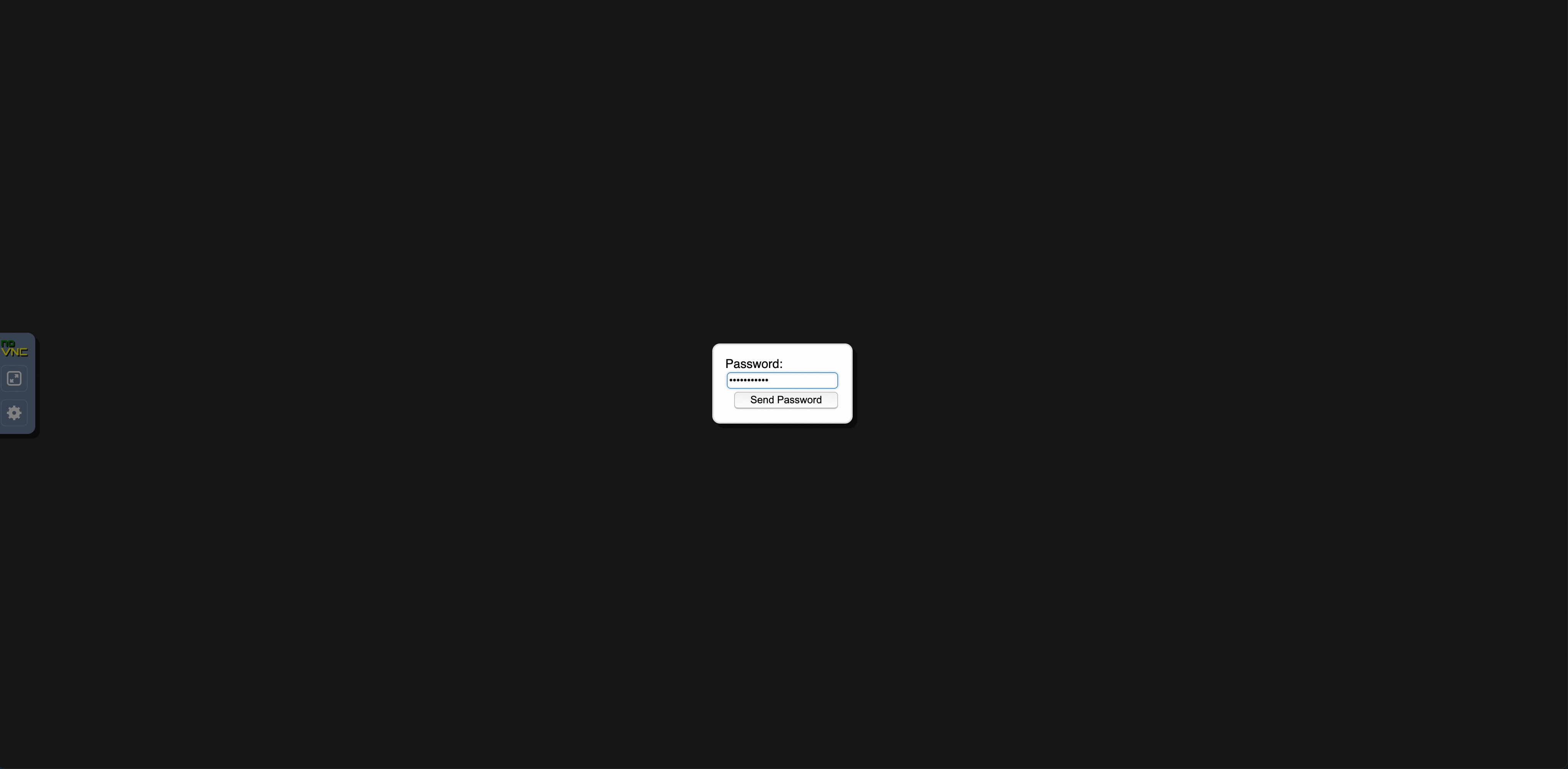
endpoint.endpoint) for native VNC clients, password fromVNC_PASSWORD(default:opensandbox) - noVNC URL for browsers (
/vnc.html?host=...&port=...&path=...)
The sandbox stays alive for 5 minutes by default; interrupt sooner with Ctrl+C. Uses the prebuilt desktop image by default.
Environment Variables
SANDBOX_DOMAIN: Sandbox service address (default:localhost:8080)SANDBOX_API_KEY: API key if your server requires authentication (optional for local)SANDBOX_IMAGE: Sandbox image to use (default:opensandbox/desktop:latest)VNC_PASSWORD: Password for VNC access (default:opensandbox)
References
This page is sourced from:
examples/desktop/README.md