
Playwright Example
Access web pages in headless mode using Playwright + Chromium in OpenSandbox to scrape title/body snippets.
Build the Playwright Sandbox Image
The Dockerfile in this directory builds a sandbox image with Playwright and Chromium pre-installed:
shell
cd examples/playwright
docker build -t opensandbox/playwright:latest .
This image includes:
- Playwright Python package
- Chromium browser binaries
- Node.js and npm (for Playwright MCP)
- Non-root user (playwright) for security
Start OpenSandbox server [local]
Pre-pull the Playwright image:
shell
docker pull sandbox-registry.cn-zhangjiakou.cr.aliyuncs.com/opensandbox/playwright:latestStart the local OpenSandbox server:
shell
uv pip install opensandbox-server
opensandbox-server init-config ~/.sandbox.toml --example docker
opensandbox-server
Create and Access the Playwright Sandbox
shell
# Install OpenSandbox package
uv pip install opensandbox

uv run python examples/playwright/main.py
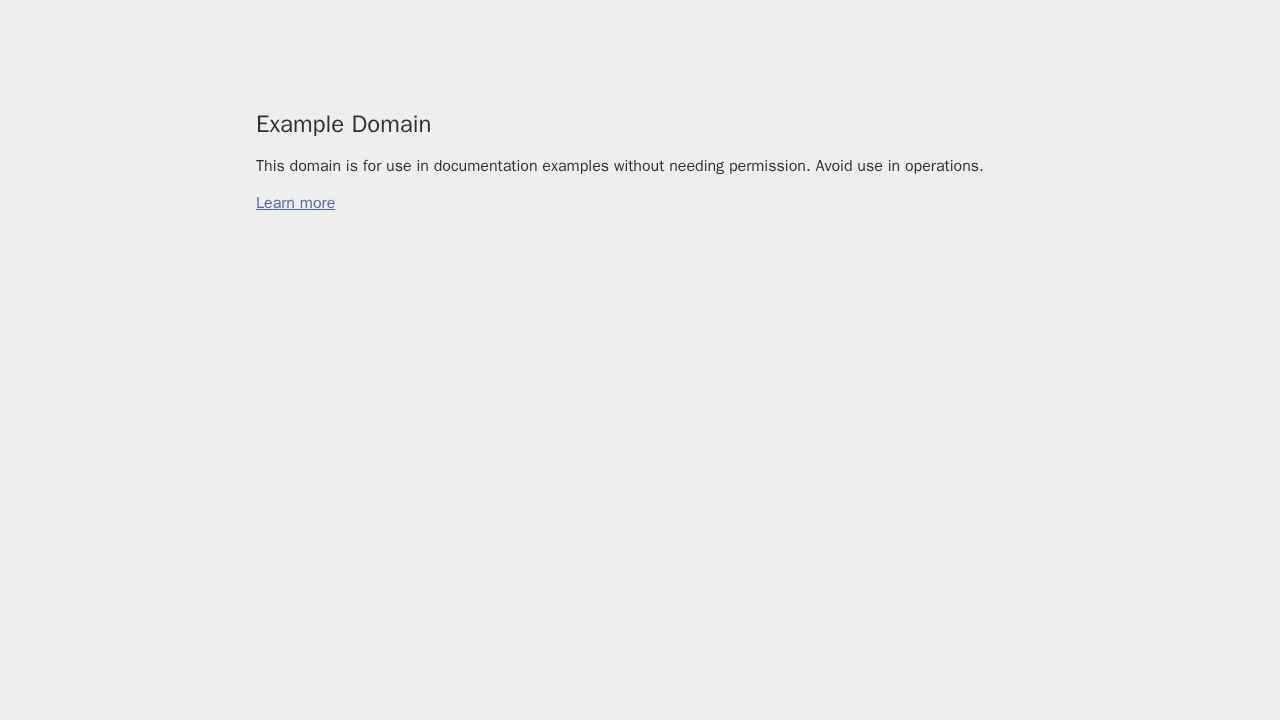
The script launches Chromium in headless mode to access the target URL, prints title/body snippets, and saves a full-page screenshot to /home/playwright/screenshot.png inside the sandbox. It also downloads the screenshot to the local working directory as ./screenshot.png. Uses the prebuilt Playwright image by default.
References
This page is sourced from:
examples/playwright/README.md