
All-in-One (AIO) Sandbox Example
This example demonstrates how to create and access an All-in-One (AIO) Sandbox via OpenSandbox.
Start OpenSandbox server [local]
You can find the latest version here.
You can pre-pull the target image which is used in the example.
Docker runtime requirement
The server is configured with runtime.type = "docker" by default, so it must be able to connect to a running Docker daemon.
- Docker Desktop: ensure Docker Desktop is running, then verify with
docker version. - Colima (macOS): start it first (
colima start) and export the socket before starting the server:
export DOCKER_HOST="unix://${HOME}/.colima/default/docker.sock"# pre-pull target image
docker pull ghcr.io/agent-infra/sandbox:latestThen, start the OpenSandbox server, you can obtain stdout log from terminal.
uv pip install opensandbox-server
opensandbox-server init-config ~/.sandbox.toml --example docker
opensandbox-server
TIP
opensandbox-server runs in the foreground and will keep the current terminal session busy. The example code lives in this repository -- clone it and, in a new terminal window/tab, cd into the project root before running the AIO sandbox creation steps below.
If you see errors like FileNotFoundError: [Errno 2] No such file or directory from docker/transport/unixconn.py, it usually means the Docker unix socket is missing / Docker daemon is not running.
Create and Access the AIO Sandbox Instance
This example uses a fixed configuration for quick start:
- OpenSandbox server:
http://localhost:8080 - Image:
ghcr.io/agent-infra/sandbox:latest - AIO port:
8080 - Timeout:
300s
Install dependencies with uv under project root:
uv pip install opensandbox agent-sandbox==0.0.18Run the example (it will create a sandbox via OpenSandbox, wait until it's Running, then connect to it via agent-sandbox):
uv run python examples/aio-sandbox/main.pySubsequently, you will instantiate an AIO sandbox, navigate to Google, capture a screenshot, and download it to your local environment.
Creating AIO sandbox with image=ghcr.io/agent-infra/sandbox:latest on OpenSandbox server http://localhost:8080...
[check] sandbox ready after 7.1s
AIO portal endpoint: 127.0.0.1:56123
...
Screenshot saved to sandbox_screenshot.png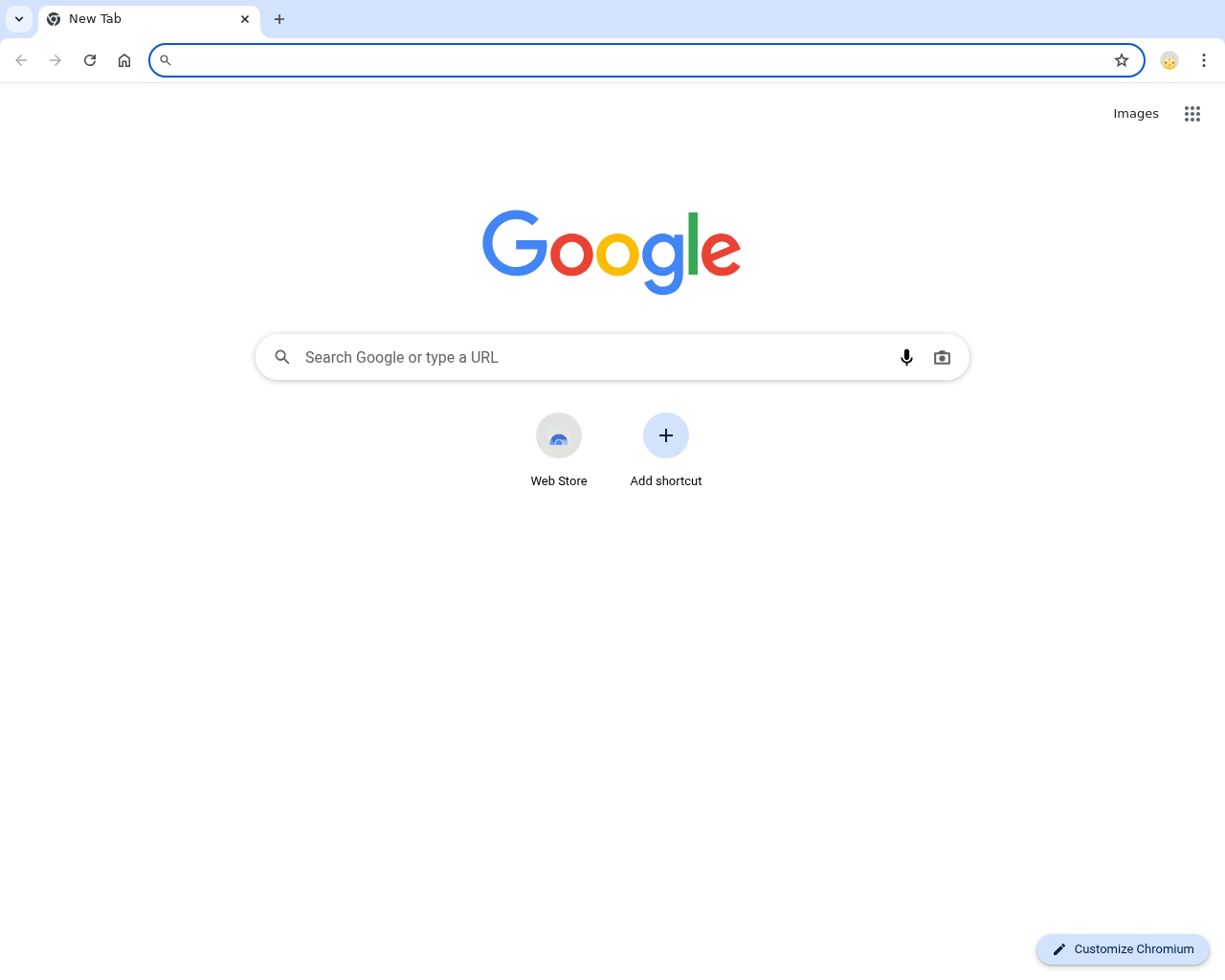
More examples
For more examples of using the AIO Sandbox, refer to agent-infra/sandbox examples.