
Desktop (VNC) Example
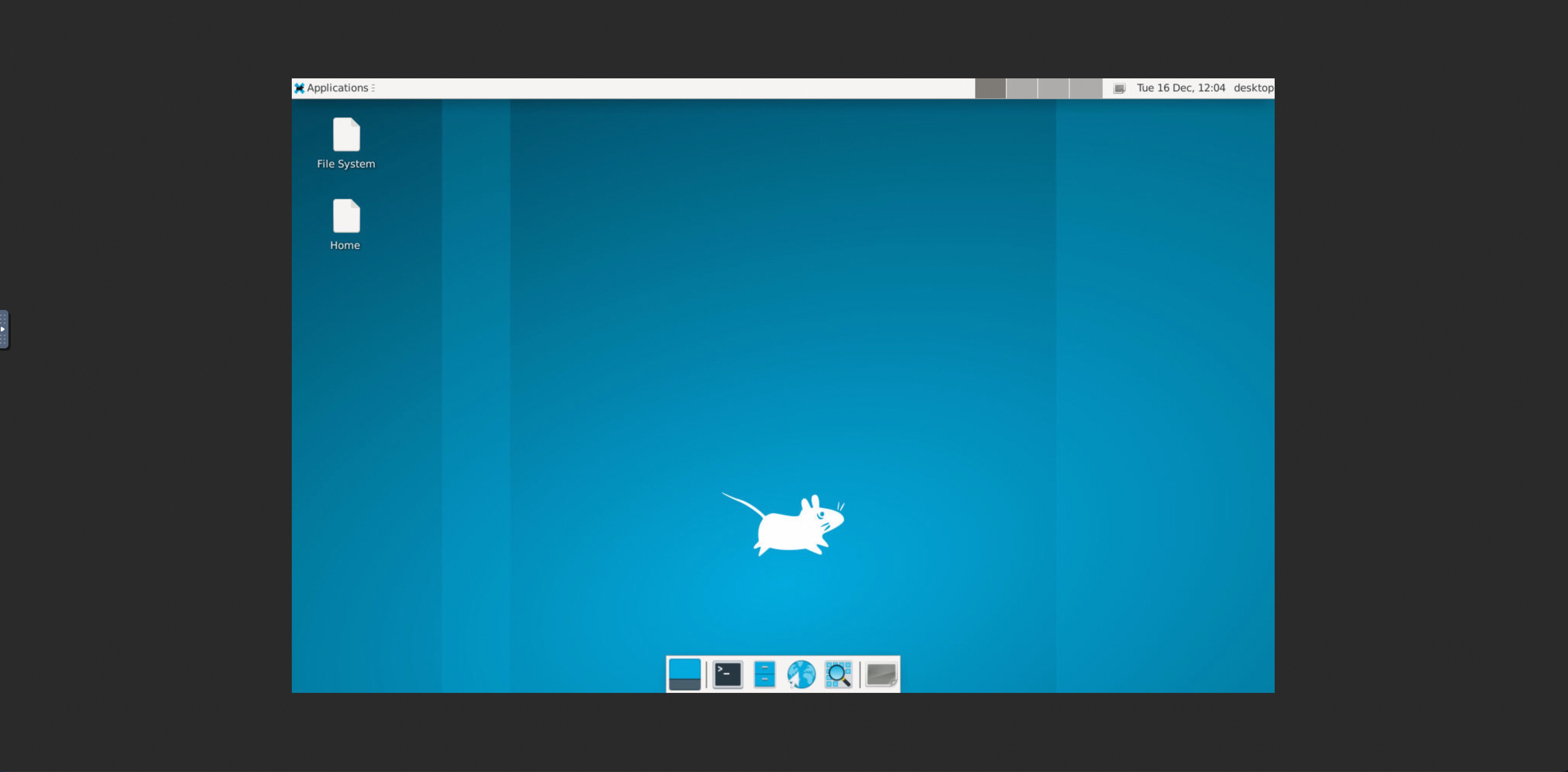
Launch Xvfb + x11vnc + fluxbox in OpenSandbox to provide a VNC-accessible desktop environment.
Build the Desktop Sandbox Image
The Dockerfile in the example directory builds a sandbox image with desktop and VNC components pre-installed:
cd examples/desktop
docker build -t opensandbox/desktop:latest .
This image includes:
- Xvfb (virtual framebuffer X server)
- x11vnc (VNC server)
- XFCE desktop (panel, file manager, terminal)
- Non-root user (desktop) for security
Start OpenSandbox server [local]
Pre-pull the desktop image:
docker pull opensandbox/desktop:latestStart the local OpenSandbox server:
uv pip install opensandbox-server
opensandbox-server init-config ~/.sandbox.toml --example docker
opensandbox-server
Create and Access the Desktop Sandbox
# Install OpenSandbox package
uv pip install opensandbox

uv run python examples/desktop/main.py
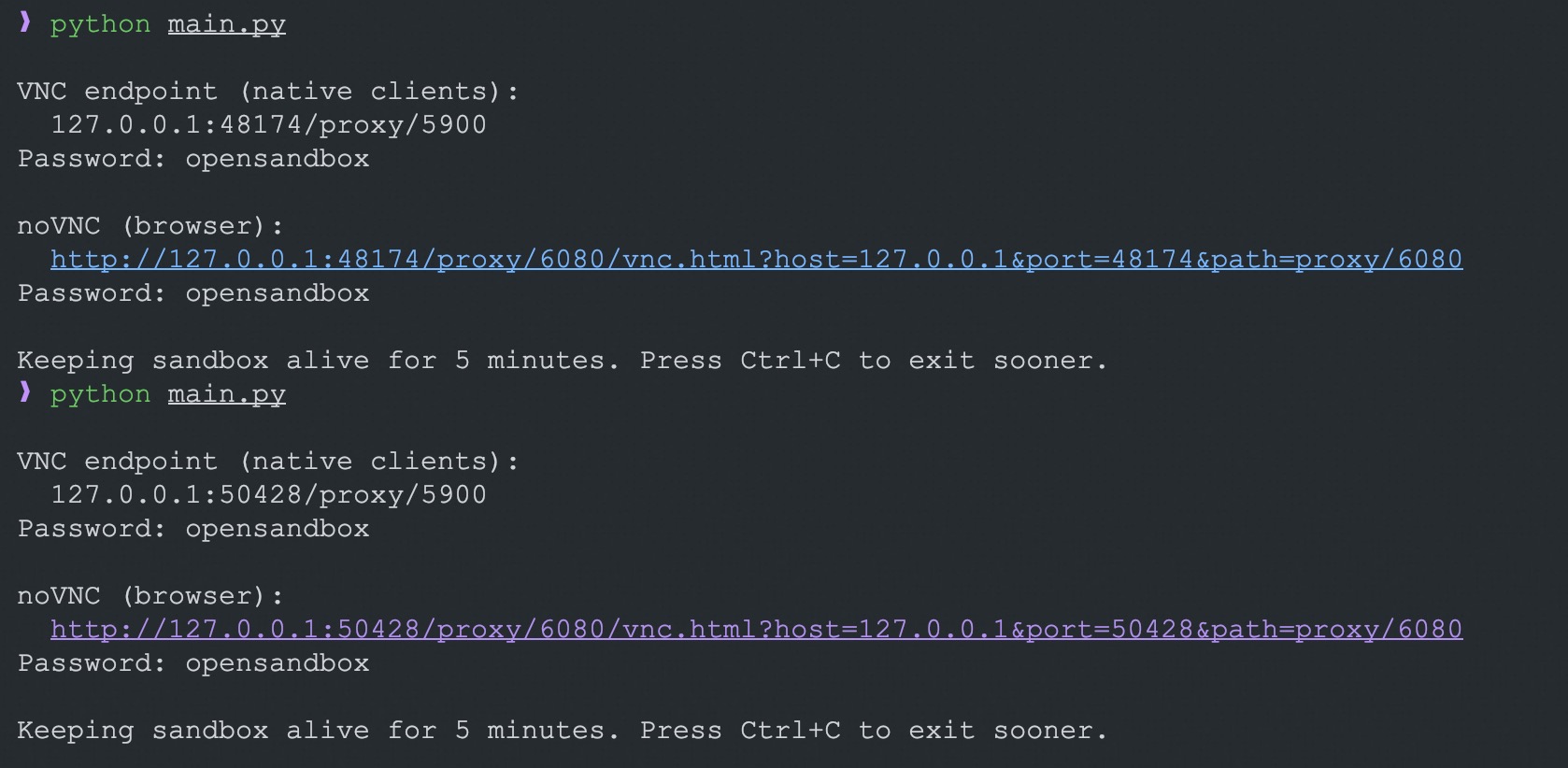
The script starts the desktop stack (Xvfb + XFCE + x11vnc) and also launches noVNC/websockify. It prints:
- VNC endpoint (
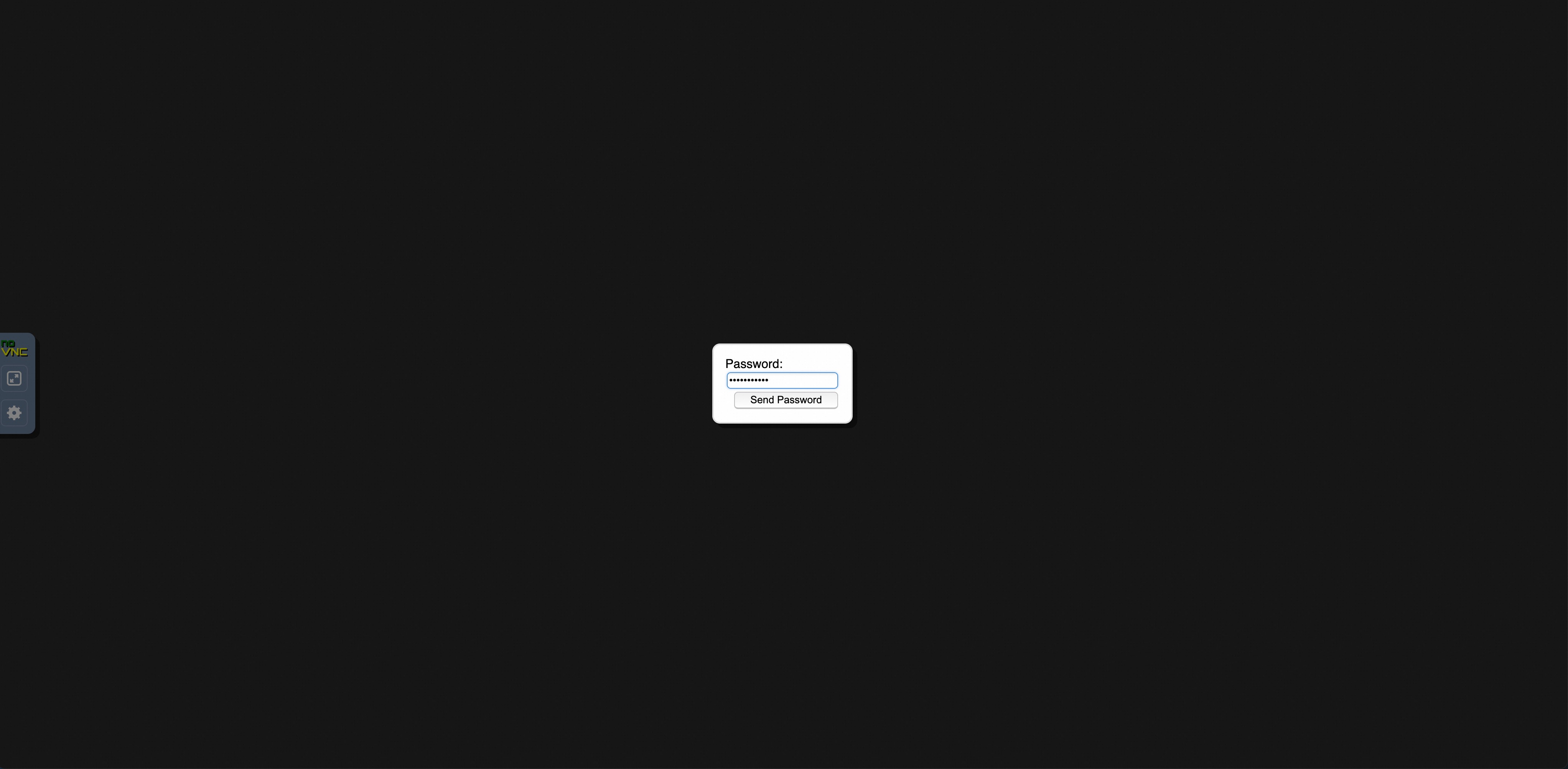
endpoint.endpoint) for native VNC clients when direct endpoint mode is enabled, password fromVNC_PASSWORD(default:opensandbox) - noVNC URL for browsers (
/vnc.html?host=...&port=...&path=...)
The sandbox stays alive for 5 minutes by default; interrupt sooner with Ctrl+C. Uses the prebuilt desktop image by default.
Embed noVNC in an HTTPS page
Browsers block an http:// noVNC iframe inside an HTTPS page. Terminate TLS at a reverse proxy in front of the OpenSandbox server, then make the example use that HTTPS origin and the server proxy:
export SANDBOX_DOMAIN=sandbox.example.com
export SANDBOX_PROTOCOL=https
export SANDBOX_USE_SERVER_PROXY=true
export VNC_PASSWORD=opensandbox

uv run python examples/desktop/main.py
The generated URL uses the same HTTPS origin for both the noVNC page and its WebSocket, for example:
https://sandbox.example.com/v1/sandboxes/<sandbox-id>/proxy/6080/vnc.html?host=sandbox.example.com&port=443&path=v1/sandboxes/<sandbox-id>/proxy/6080The TLS reverse proxy must forward normal HTTP requests and WebSocket upgrades to the OpenSandbox server. For Nginx, the relevant settings are:
map $http_upgrade $connection_upgrade {
    default upgrade;
    ''      close;
}

server {
    listen 443 ssl;
    server_name sandbox.example.com;
    # Configure ssl_certificate and ssl_certificate_key here.

    location / {
        proxy_pass http://127.0.0.1:8080;
        proxy_http_version 1.1;
        proxy_set_header Host $host;
        proxy_set_header X-Forwarded-For $proxy_add_x_forwarded_for;
        proxy_set_header X-Forwarded-Proto https;
        proxy_set_header Upgrade $http_upgrade;
        proxy_set_header Connection $connection_upgrade;
    }
}
This direct browser URL works when the OpenSandbox proxy route does not require browser-supplied authentication headers, including the default single-tenant mode. In multi-tenant mode, the proxy route requires OPEN-SANDBOX-API-KEY on both the initial noVNC HTTP request and the WebSocket upgrade. The SDK adds this header to its own requests, but a browser navigation or WebSocket cannot add it.
For multi-tenant browser access, put a trusted, browser-authenticated reverse proxy in front of OpenSandbox. It must authorize access to the requested sandbox, map the browser identity to the correct tenant, and inject that tenant's OPEN-SANDBOX-API-KEY header for both HTTP and WebSocket traffic. Do not put the API key in the noVNC URL or expose a reverse proxy that adds one shared key to unauthenticated traffic.
WARNING
Do not expose a direct http://<sandbox-host>:<mapped-port> URL in an HTTPS iframe. That endpoint has no TLS termination and the browser will reject it as mixed content. This SDK configuration uses one protocol for the management API and sandbox service requests, so the example requires SANDBOX_USE_SERVER_PROXY=true whenever the management API uses HTTPS. This keeps lifecycle, execd, noVNC page, and WebSocket traffic on the HTTPS server origin instead of incorrectly sending HTTPS to a direct sandbox endpoint. Server proxy mode does not support the raw TCP protocol used by native VNC clients, so the example omits the native VNC endpoint in this mode.
Environment Variables
| Variable | Default | Description |
|---|---|---|
SANDBOX_DOMAIN | localhost:8080 | Sandbox service address; may include an http:// or https:// scheme |
SANDBOX_PROTOCOL | Domain scheme, otherwise http | Protocol used when SANDBOX_DOMAIN has no scheme (http or https) |
SANDBOX_USE_SERVER_PROXY | false | Route sandbox service, noVNC HTTP, and WebSocket traffic through the OpenSandbox server; required with HTTPS |
SANDBOX_API_KEY | (optional for local) | Example-specific API key; takes precedence over OPEN_SANDBOX_API_KEY |
OPEN_SANDBOX_API_KEY | (optional for local) | SDK-standard API key fallback when SANDBOX_API_KEY is unset |
SANDBOX_IMAGE | opensandbox/desktop:latest | Sandbox image to use |
VNC_PASSWORD | opensandbox | Password for VNC access |